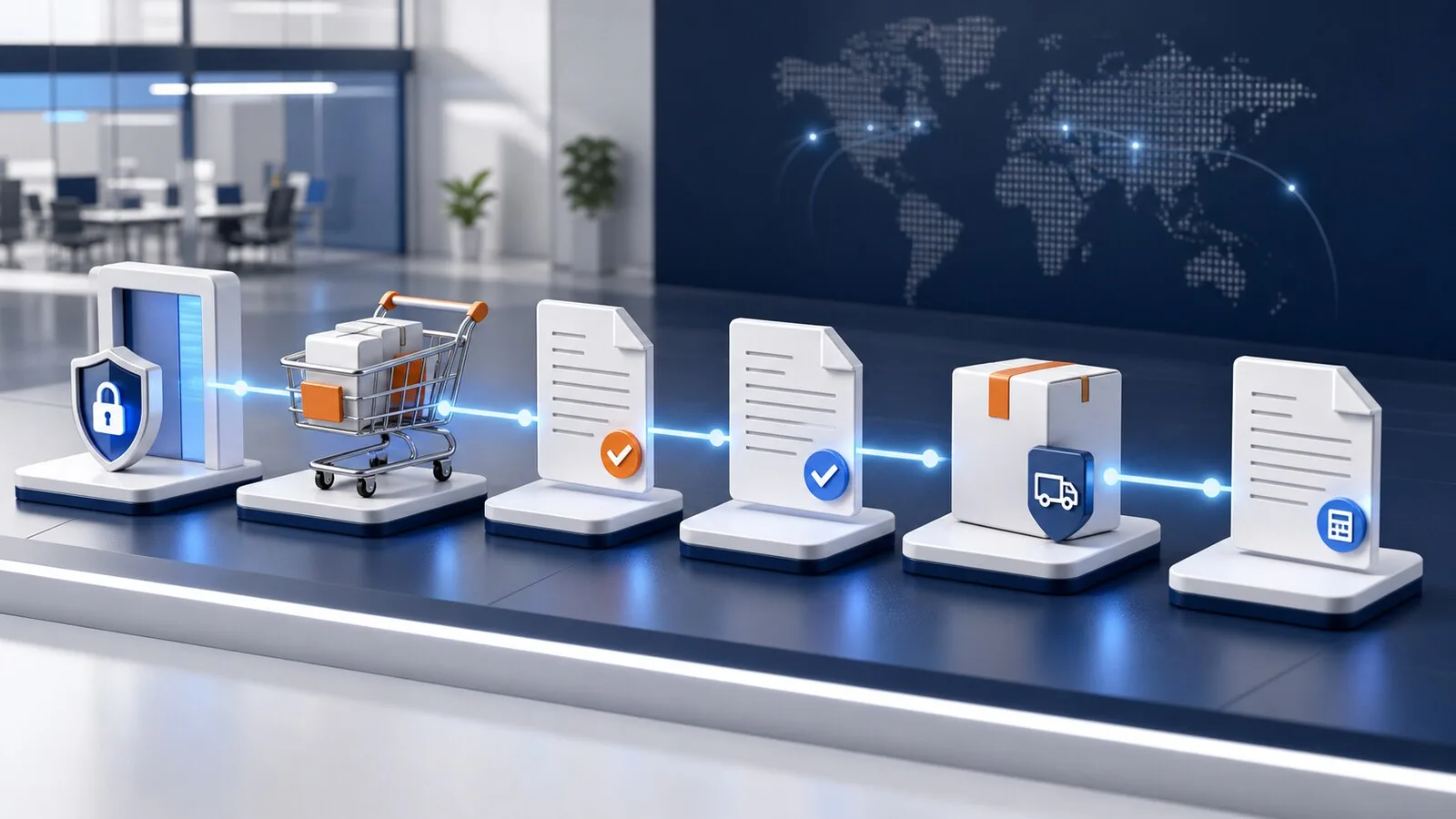
cXML is often associated only with entering a supplier catalog. The standard can also carry the business documents that follow. A complete Magento 2 flow can continue from login and cart return to an approved purchase order, confirmation, ship notice and invoice.
In short: PunchOutSetupRequest, PunchOutSetupResponse and PunchOutOrderMessage form the interactive shopping phase. A later OrderRequest can deliver the approved order to Magento. Confirmation, ShipNotice and InvoiceDetail complete the document loop. Each buyer decides which messages are in scope.
1. PunchOut setup and login
The procurement platform sends a PunchOutSetupRequest containing buyer and supplier identities, sender credentials, the requested operation, a browser return destination and often additional Extrinsics.
Magento authenticates the sender, resolves the buyer profile and returns a PunchOutSetupResponse. Its start URL contains a short-lived session, so the buyer does not need another storefront password.
The request must resolve the correct Store View, customer, currency, catalog and pricing context. Shared secrets and identity domains secure the connection, but do not replace that business mapping.
2. Catalog and cart return
The buyer uses Magento search, product options and cart behavior. On return, Magento creates a PunchOutOrderMessage and posts it to the browser-form destination supplied by procurement.
Typical line data includes supplier part number, quantity, unit, price, currency, description and classification. Extrinsics carry buyer-specific values. This creates a requisition in procurement, not yet a Magento order.
3. Approval and OrderRequest
After approval, the platform can send an authenticated OrderRequest directly to Magento. This server-to-server call does not depend on the browser session still being active.
Magento validates buyer, currency, products, quantities, addresses, shipping, pricing and the external order reference. Price policy deserves particular care. An unchanged line can be checked against the returned-cart snapshot. Changed quantities or new products should use the current Magento pricing pipeline. A mismatch should not be accepted silently.
A Magento order is created only when the selected processing mode permits it and validation succeeds. A project can instead acknowledge and hold inbound orders for review.
4. Confirmation, shipment and invoice
Downstream documents go to separate buyer endpoints:
| Business event | cXML message | Typical Magento trigger |
|---|---|---|
| Order confirmation | ConfirmationRequest |
Order accepted or status changed |
| Shipping notice | ShipNoticeRequest |
Shipment and tracking created |
| Invoice | InvoiceDetailRequest |
Magento invoice posted |
These endpoints are not the browser return URL. Payloads should be stored durably in a queue, delivered with a clear audit trail and retried under controlled rules.
Delivery and retry behavior
A definite HTTP failure can follow the agreed retry policy. A connection break after sending has an unknown outcome: the buyer may already have processed the document. Blind retries can create duplicates, so this state needs manual verification.
Trace data is valuable for troubleshooting, but must mask shared secrets, session tokens and sensitive payload values.
Platforms and project boundaries
SAP Ariba, Coupa and Oracle Procurement use cXML in different ways. Jaggaer, Tungsten and Basware may also appear in cXML-related procurement projects. This does not make every tenant plug-and-play. Identities, DTD versions, required fields, Extrinsics and downstream messages must be tested with the buyer's actual environment.
Full-lifecycle acceptance cases
- valid and invalid setup requests
- correct contract prices and product options
- one-line and multi-line cart return
- approved order with unchanged lines
- changed quantity, added and removed line
- price mismatch and expired cart snapshot
- partial shipment and multiple invoices
- definite delivery failure and unknown delivery status
- duplicate external order reference and repeated message
Frequently asked questions
Must every cXML project use every document?
No. Many projects start with PunchOut and cart return. Ordering and downstream documents are enabled only when required and accepted by both sides.
Is PunchOutOrderMessage the purchase order?
No. It describes the returned cart. The approved purchase order arrives later as an OrderRequest.
Can documents be sent after the session expires?
Yes. They use durable buyer and order routing data rather than the short-lived browser token.
Continue reading
- Magento 2 PunchOut explained
- PunchOut for SAP Ariba, Coupa and Oracle
- Magento 2 PunchOut implementation checklist
- SoftwareSilo PunchOut for Magento 2
Sources