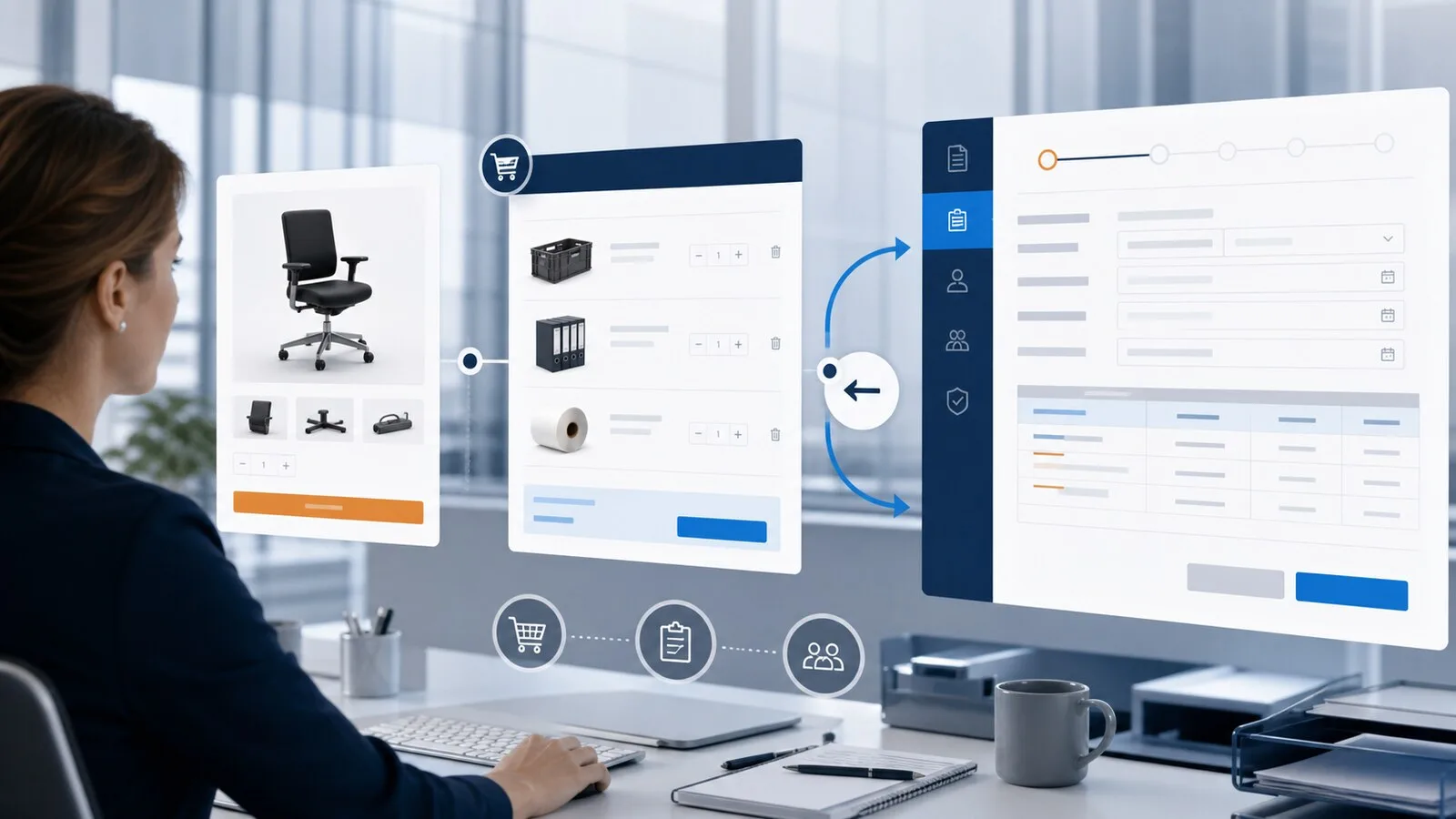
The Open Catalog Interface, or OCI, lets an SAP buyer open a Magento supplier's current catalog. Products are searched and configured in the store, then returned to SAP for accounting, approval and ordering.
Important: “SAP S/4HANA” or “SAP SRM” is not a complete integration specification. The buyer must provide the OCI version, launch parameters, return destination and required fields for the actual environment.
How the OCI flow works
For a standard login, SAP sends agreed credentials and a return URL to Magento. A buyer profile maps the request to a Store View and, when required, a Magento customer. That context determines catalog visibility and pricing.
After shopping, Magento produces indexed OCI fields for part number, description, quantity, unit, price and currency. A browser form posts those values to the registered SAP destination. The requisition is created there, not during the Magento cart return.
OCI 4.0 and OCI 5.0
Both versions remain relevant in SAP environments. The version should therefore be fixed in the buyer profile, not accepted from an arbitrary request parameter.
Projects may also need direct product functions:
DETAILopens one product page without starting a cart.DETAILADDopens the product and returns exactly the item added by the user.- Unsupported functions should receive an explicit response instead of silently becoming a normal shopping session.
The product identifier can be the Magento SKU or a unique product attribute. It needs to match the catalog reference stored in SAP.
Mapping the returned fields
A useful baseline includes part number, short and long description, quantity, order unit, price, currency and commodity classification. Some buyers also require lead time or manufacturer code.
These values should come from dependable Magento data. A display label is not automatically a valid SAP manufacturer code, and an invented lead time is worse than an explicitly missing value. Buyer-specific fields belong in a dedicated mapping profile.
Customer context and pricing
OCI authenticates the launch, but credentials alone do not select a price. The profile must resolve the correct:
- website and Store View
- fixed customer, email identity or guest
- customer group and catalog permissions
- currency, tax and pricing rules
Acceptance should compare known SKUs and negotiated prices, not merely confirm that the store opens.
What OCI does not provide by itself
OCI cart return is not a complete cXML document lifecycle. It does not automatically create a Magento order or deliver cXML confirmation, ship notice and invoice messages. If those documents are required, the project needs a separately agreed integration path.
SAP OCI acceptance tests
- Test valid and invalid logins.
- Verify Store View, language, currency and customer pricing.
- Test simple, configurable and option-based products.
- Check quantities, decimal values and units.
- Include special characters and long descriptions.
- Return several lines and compare every index.
- Test
DETAILandDETAILADDwhen included in scope. - Verify cancellation, re-entry and expired sessions.
- Follow the returned cart through the SAP test tenant.
Frequently asked questions
Is OCI limited to SAP SRM?
No. OCI also appears in other SAP-centered procurement architectures. What matters is whether the target system exposes the agreed OCI contract.
Can Magento support several SAP customers?
Yes. Separate buyer and mapping profiles keep credentials, prices and required fields isolated.
Must the buyer have a Magento customer account?
Not always. A buyer profile can use a guest context. A clear customer mapping is usually preferable when contract catalogs or pricing apply.
Continue reading
- OCI vs cXML for Magento 2 PunchOut
- How PunchOut cart return works
- SoftwareSilo PunchOut for Magento 2
Sources