
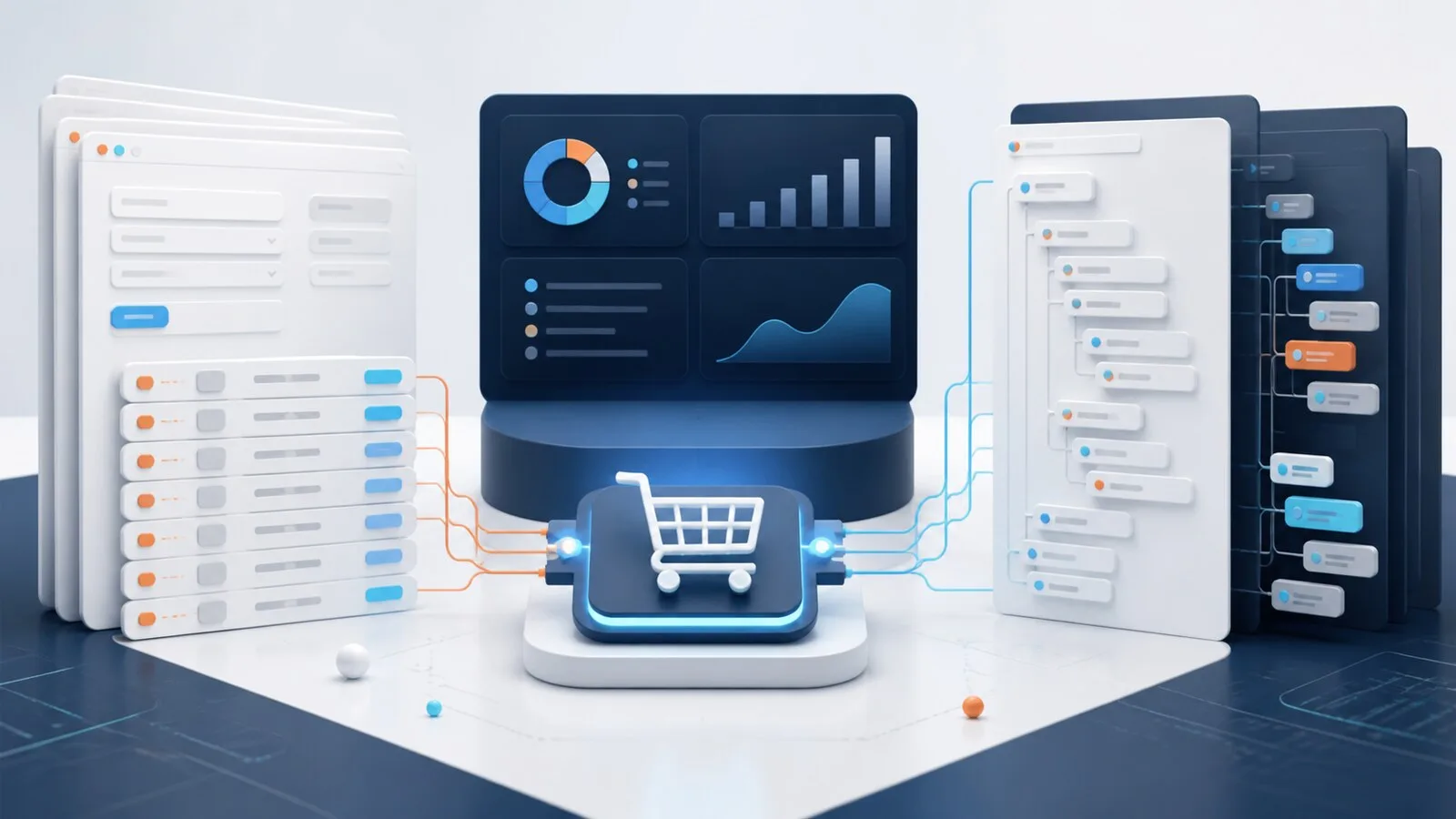
OCI and cXML both let a buyer shop in a supplier's Magento catalog and return a prepared cart to a procurement system. The business journey looks similar. The technical conversation, fields and hand-off rules are different.
Short answer: OCI is a form-based catalog interface often found in SAP procurement environments. cXML uses structured XML messages and is common with SAP Ariba, Coupa and other procurement platforms. Do not choose a protocol because it looks simpler. Use the protocol and version required by the buyer, then test the exact login, catalog context and cart-return contract.
The shared business flow
Regardless of protocol, a typical PunchOut session follows five steps:
- The buyer starts in the procurement system.
- The procurement system sends identity and a return destination to Magento.
- Magento opens a restricted shopping session with the right customer context.
- The buyer adds products and submits the cart.
- Magento returns line-item data to the procurement system, where approval and ordering continue.
PunchOut does not usually place the Magento order at step five. It transfers a requisition cart. The buyer's own approval process decides what happens next.
Practical differences
| Topic | OCI | cXML |
|---|---|---|
| Typical environment | Often SAP-centered procurement | Common with SAP Ariba, Coupa and other platforms |
| Message style | Browser form fields and named parameters | Structured XML request and response messages |
| Session start | OCI login or hook URL parameters | PunchOutSetupRequest and PunchOutSetupResponse |
| Cart return | OCI field arrays posted to the buyer's return URL | PunchOutOrderMessage posted to the browser form target |
| Mapping focus | Field names, indexes, units and custom OCI fields | XML identities, domains, elements, classifications and extrinsics |
| Deep links | Depends on buyer flow and OCI setup | cXML Level 2 can link to a specific product or search result |
The deciding difference: what happens after cart return?
OCI is centered on the interactive purchase: authenticate, open the catalog and return line items to SAP. Ordering, shipping and invoicing continue through processes outside OCI.
cXML can support a connected document lifecycle. It is optional, but changes the project scope:
| Phase | OCI | cXML |
|---|---|---|
| Catalog login | Yes | PunchOutSetupRequest and PunchOutSetupResponse |
| Cart return | OCI form fields | PunchOutOrderMessage |
| Approved order to Magento | Not part of the usual OCI cart flow | OrderRequest |
| Confirmation | Separate integration path | ConfirmationRequest |
| Shipment notice | Separate integration path | ShipNoticeRequest |
| Invoice | Separate integration path | InvoiceDetailRequest |
A cXML PunchOut login is not automatically a complete order and invoice integration. Every document type needs its own agreement and acceptance tests.
These are common patterns, not substitutes for the buyer's specification. Even two buyers using the same procurement platform may require different credentials or custom fields.
OCI in a Magento project
OCI projects usually revolve around a hook URL, authentication values and the cart fields expected by the purchasing system. Product identifiers, descriptions, quantities, units, prices, currencies and classifications need stable mappings. Repeated indexed fields must remain aligned, otherwise a description or price can land on the wrong line.
SAP environments may refer to OCI versions such as OCI 4 or OCI 5. The version affects the expected field contract. Ask for the buyer's current test document instead of relying only on a generic protocol guide.
cXML in a Magento project
cXML starts with a PunchOutSetupRequest. It carries buyer identity, credentials, the requested operation and a browser return URL. Magento validates the request, creates a session and replies with a PunchOutSetupResponse containing the start-page URL.
When the buyer submits the Magento cart, the store builds a PunchOutOrderMessage. That message contains the header and item data expected by the procurement platform. Product classification, supplier part ID, unit of measure, currency and any required extrinsics need to match the buyer's rules.
The label “cXML support” does not remove this work. It means the integration has the correct message framework. The buyer-specific identity and mapping still need configuration and testing.
Buyer identity is more important than the protocol logo
A good PunchOut implementation resolves an incoming buyer to the right Magento context. That may include:
- website and store view
- customer or company account
- customer group
- buyer-specific catalog visibility
- contract prices and tax context
- protocol and field-mapping profile
If that resolution is wrong, the session may technically work while showing the wrong products or prices. Include negative tests for unknown buyers and invalid credentials, but do not expose sensitive authentication details in error responses or logs.
Common failures
The login succeeds but the wrong prices appear. The PunchOut buyer was not associated with the correct Magento customer or group, or the pricing module expects additional context.
The cart reaches the procurement system with rejected lines. Units, currencies, supplier part IDs or classifications do not match the buyer's allowed values.
The return button opens a blank page. The browser-form target is missing, invalid or blocked by URL validation and security policy.
A cXML request is rejected. Check the identity domain, sender identity, shared secret, timestamp handling and XML structure. Compare a sanitized request with the buyer's accepted example.
OCI line data is shifted. Inspect the indexed cart fields and verify that all required values use the same line index.
Can one Magento store support both?
Yes. SoftwareSilo PunchOut supports OCI and cXML buyer profiles in one Magento installation. Each buyer can have its own credentials, customer context, store view and mapping. This is useful for suppliers serving SAP OCI customers alongside Ariba, Coupa or other cXML buyers.
Keep the profiles separate. A universal mapping becomes difficult to maintain as soon as buyers use different units, classifications or custom fields.
Frequently asked questions
Is cXML the successor to OCI?
No. They are different integration standards used by different procurement ecosystems. Many suppliers need both because their customers choose the protocol.
Does OCI only work with SAP?
OCI is strongly associated with SAP procurement, but implementation decisions should follow the requesting buyer's system and specification rather than the brand name alone.
What is cXML Level 2 PunchOut?
Level 2 allows the procurement system to link more directly to a product or search result instead of opening only the catalog home page. The exact support and indexing flow must be coordinated with the buyer platform.
Does cart return create an order in Magento?
Usually not. It returns cart data to the procurement system as a requisition. A later approved purchase order may be sent back through a separate order-message integration.
Sources
- SAP Open Catalog Interface documentation
- cXML User's Guide
- Coupa cXML PunchOut documentation
- SoftwareSilo PunchOut