
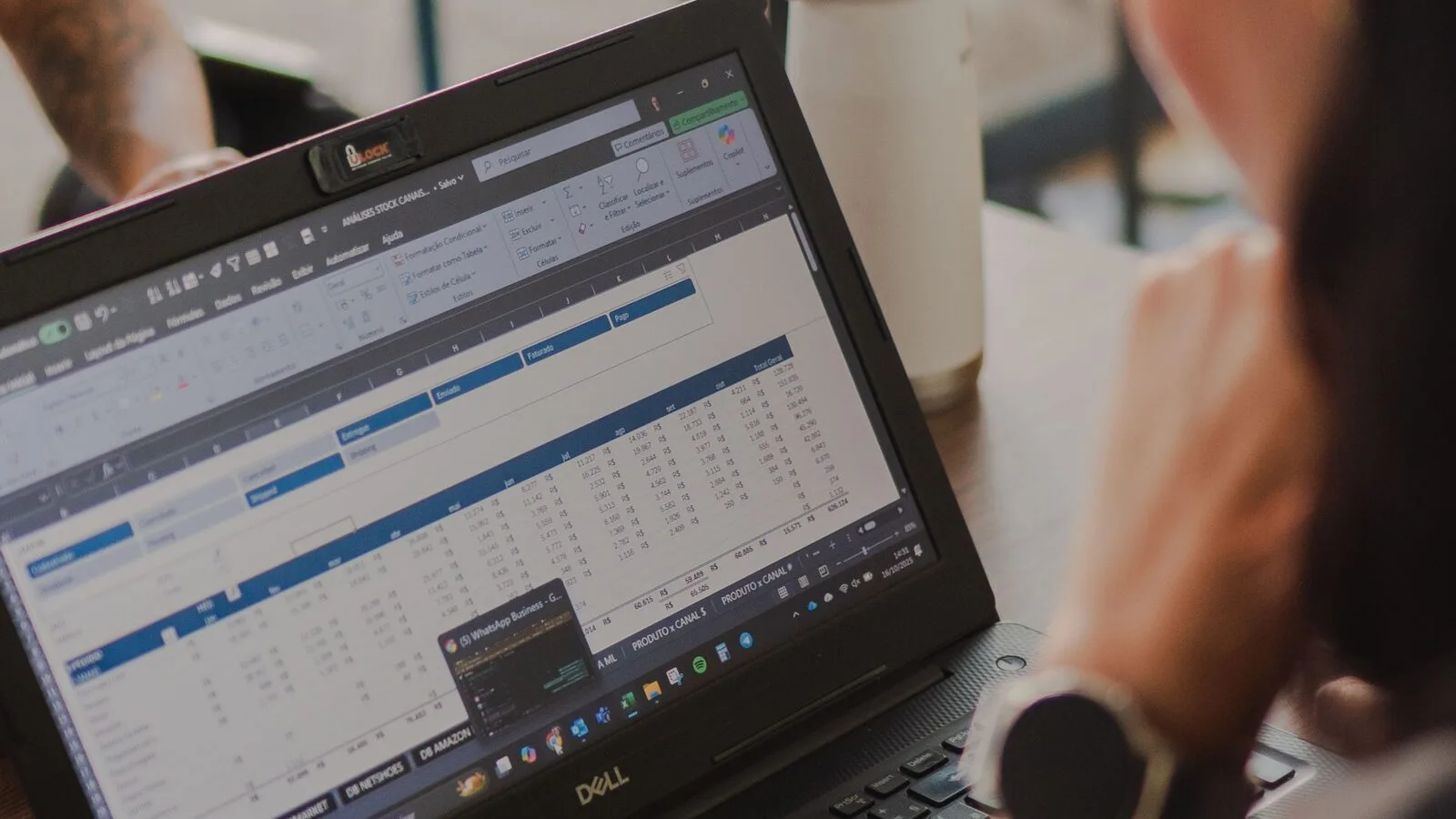
An ERP price-list integration succeeds when ownership and identifiers are clear. The transport format is secondary. Decide which system creates lists, who assigns customers, whether updates replace or amend data, and how validation failures stop a bad price from reaching checkout.
Choose the interface by update pattern
| Interface | Best use | Important characteristic |
|---|---|---|
| CSV Import/Export add-on | Scheduled batches, initial migration, manual review | Human-readable file containing list, product, customer, and group data |
| SOAP/REST add-on | Event-driven updates and middleware | CRUD and bulk operations for lists and relations |
| GraphQL add-on | Headless or integration reads | Filtered queries for lists, product rows, customers, and groups |
The current SoftwareSilo GraphQL module exposes queries, not price-list mutations. Use CSV or SOAP/REST when an external system must write data.
Stable identifiers matter more than row order
Use the Magento product SKU as the product key. Define a durable external name or mapping for each price list. Customer email and group names may be practical in files, but integrations should account for changes and duplicates. Website scope must be explicit in multi-site installations.
Do not silently create a new list whenever a name differs by spaces or capitalization. Decide whether the ERP sends an immutable ID, whether Magento stores a mapping, or whether the list name is the contract key.
Full loads and delta loads solve different problems
A full load is easier to reconcile because the source sends the desired complete state. It can be expensive and may briefly remove valid data if applied carelessly. A delta is smaller but needs reliable create, update, delete, and retry semantics.
For contract changes, a new dated list is often safer than editing the active agreement in place. It supports review before activation and preserves a clearer operational trail.
Validate before switching prices
At minimum, validate list identity, website, active period, product SKU, quantity, calculation type, numeric value, customer or group assignment, and duplicates. Reject impossible dates and unknown relations. Produce a report that operations can understand without reading application logs.
Rollout sequence
- Export or record the current production state.
- Load a small representative list into staging.
- Compare expected and calculated prices for real customer contexts.
- Test retries and a deliberately invalid row.
- Import the full set outside the busiest ordering period.
- Warm relevant caches and verify storefront, cart, checkout, and orders.
- Keep the previous file or API payload available for rollback.
Related reading
Last reviewed: August 9, 2026.